On the last day of term 3 the MDTA had a go at making and presenting our first ignite talk. The first time I had seen one was during the Manaiakalani Annual Hui. The MIT teachers presented their inquiries through 20 sleek but punchy slides. I was impressed with how well they did, as it does not look easy!
Ignite talks are presentations which use 20 slides that are displayed for 15 seconds. Therefore, it is really important to ensure the slides are simple, as the 15 seconds flies by. It is also important to consider what you will say when each slide is displayed. I have noticed that some people rush through because they had too much planned on each slide. Basically, simplicity is key and it is important to keep words and content minimal.
I was absent during the presentation of the ignite talks, however Georgia's ignite talk is an excellent example. Her slides are simple but effective, and she only covers one idea per slide. She also speaks slowly and clearly.
Friday, 23 September 2016

Friday, 16 September 2016
Creating Presentations Like a Pro - Keynote
Unfortunately I was absent when the MDTA learnt about Keynote, so I did some exploring on my own. It can be a little daunting using a new tool with lots of different features, so I watched a few clips on the basics to get me started. I found this YouTube clip to be the most helpful!
Keynote is a very versatile app. It can be used to create banners, logos and animations, edit images as well as a creating slick presentations. Keynote allows for more customisation.
To see an awesome example of an animation created on Keynote, check out Steph's blog post. In the post she explains the steps she took to create the animation and shares the finished product.
I am looking forward to experimenting with Keynote when creating content for my 2017 class site.
Saturday, 10 September 2016
When the Learning Keeps Going: Ubiquitous Learning
The 'learn' component of this weeks digital immersion was all about ubiquitous learning. This is about ensuring that our students can access their learning anytime, anywhere and any place. E-Learning and the use of Google Sites (that are open to anyone) allows for extended learning times.


How learning is ubiquitous for my students
Class Site
As we are a part of the Manaiakalani cluster, all schools and classrooms are required to have a Google Site, which is accessible to all. In Manaiakalani schools the expectation is that learning is visible. This means that every link needs to have the sharing permissions as "anyone with the link can view". To make this easier we create a main folder in our Google drive that has the permission "anyone with the link". This means that
Screencasts
I have recently created a Google site for reading and writing. To help ensure my students understand everything, I have included a range of screencasts. The screencasts help to the explain tasks and reading comprehension strategiesTeaching DLOs
I always ensure my teaching DLOs are linked into our class site. These DLOs are quite comprehensive and cover everything I am planning to teach. This enables my learners to revisit the learning anytime they need.'Modelling Books'
They are not quite modelling books, but they are my take on it. Whenever we are learning something, I take photos of the students work. This is then uploaded onto a shared folder onto Google drive, which the students have full access to. A next step would be for me to add these folders to the site.Friday, 9 September 2016
Editing day for the Manaiakalani Film Festival
Today we were able to put all our footage together and edit our films. As I began filming I realised that I needed more footage to complete the film. Luckily it was another sunny day so I was able to quickly head to school to get the extra footage.
We decided that we wanted our film to follow a storyline, from what the students do when they wake up to the end of the day. The learners came up with some great ideas so I am glad that we had extra time to film. We also decided that we needed to include more sports in our film, and not just include training. We added in netball and rugby.
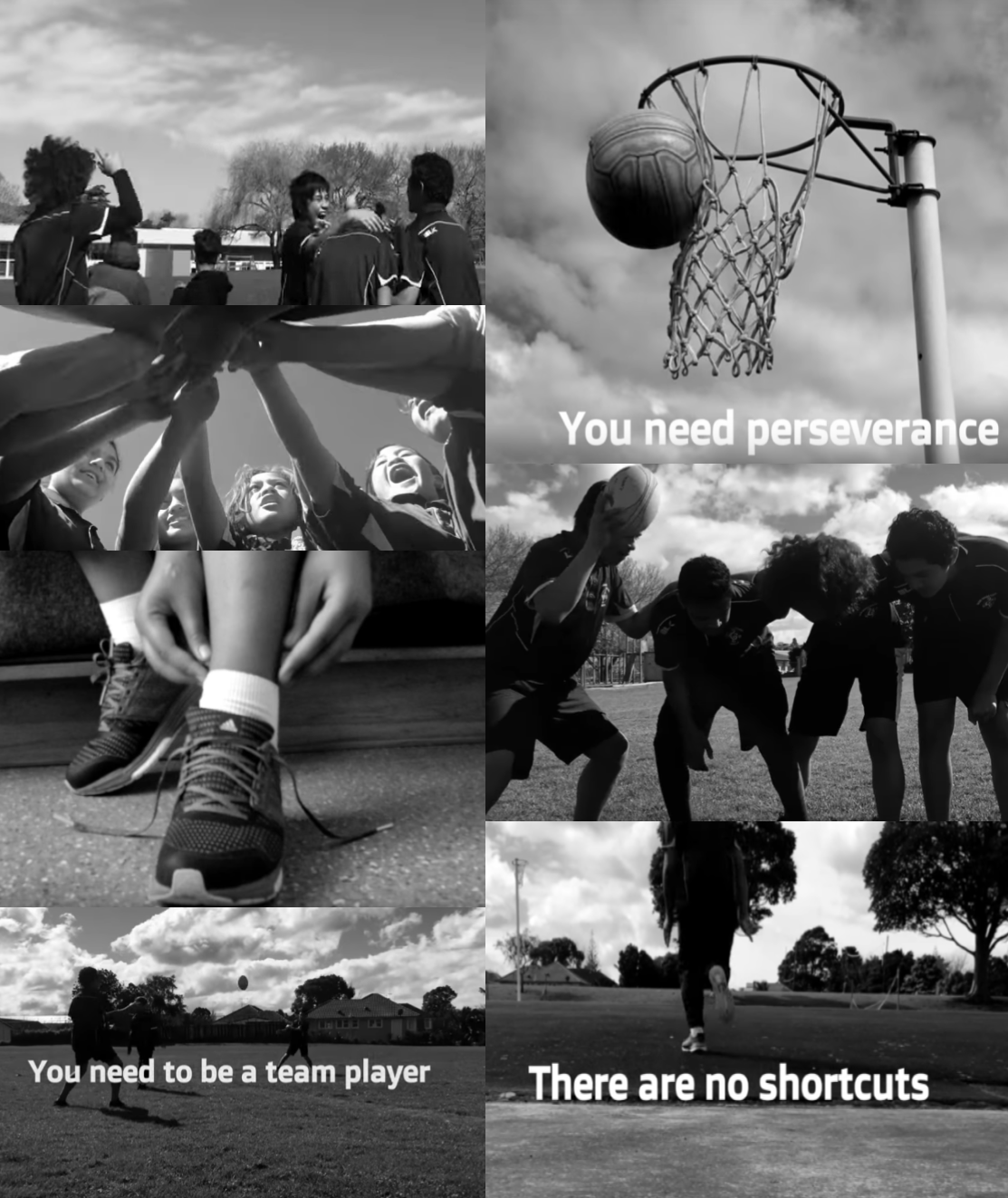
The editing process was time consuming but addicting. Because the class decided to use a song to go with our movie, we had to make sure the film and time of each part matched up with the beat of the song. This was a challenge but I am glad that I stuck with it. I also had to think carefully about our subtitles.
We decided that we wanted our film to follow a storyline, from what the students do when they wake up to the end of the day. The learners came up with some great ideas so I am glad that we had extra time to film. We also decided that we needed to include more sports in our film, and not just include training. We added in netball and rugby.
The editing process was time consuming but addicting. Because the class decided to use a song to go with our movie, we had to make sure the film and time of each part matched up with the beat of the song. This was a challenge but I am glad that I stuck with it. I also had to think carefully about our subtitles.
Friday, 2 September 2016
Filming for Manaiakalani Film Festival
Today we got to spend the whole day in our schools filming for our Manaiakalani Film Festival movie.
In room 8, we are creating a movie based on our learning about the Olympic values. The three olympic values are respect, friendship and excellence. We chose to create our film on excellence.
Leading up to our filming day the class collaboratively planned our movie. This was important as I wanted my learners to have ownership of the film. We watched some inspirational movies to help us get started. Then we worked on a Google Doc to record what we liked and disliked from the examples. Then we brainstormed ways we could show excellence in our film.
Then came the filming. Thank goodness the sun decided to come out! It was great to see a lot of my learners stepping up and taking charge of the day. I had a great director/producer who helped guide the actors. I am very proud of my learners and what they have achieved so far. They came up with some great ways to show excellence and were very creative with their shots.
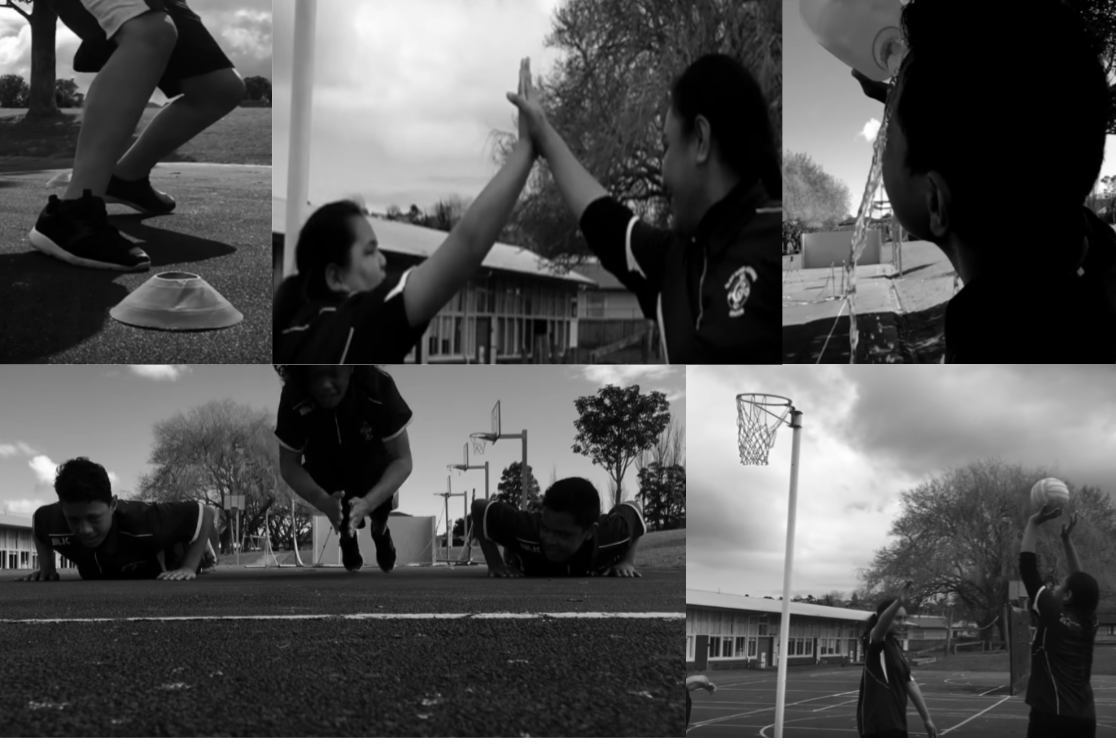
We still have a bit more filming to do but I am pleased with what we were able to accomplish in one day. Stay tuned to find out more
In room 8, we are creating a movie based on our learning about the Olympic values. The three olympic values are respect, friendship and excellence. We chose to create our film on excellence.
Leading up to our filming day the class collaboratively planned our movie. This was important as I wanted my learners to have ownership of the film. We watched some inspirational movies to help us get started. Then we worked on a Google Doc to record what we liked and disliked from the examples. Then we brainstormed ways we could show excellence in our film.
Then came the filming. Thank goodness the sun decided to come out! It was great to see a lot of my learners stepping up and taking charge of the day. I had a great director/producer who helped guide the actors. I am very proud of my learners and what they have achieved so far. They came up with some great ways to show excellence and were very creative with their shots.
We still have a bit more filming to do but I am pleased with what we were able to accomplish in one day. Stay tuned to find out more
Monday, 29 August 2016
My Takeaways from Manaiakalani's Annual Hui
On Friday the MDTA were very lucky to attend Manaiakalani's 5th annual Hui - a place where teachers and learners across Manaiakalani celebrate and share their accomplishments.
This has ended up being a rather lengthy post, as I gained many new insights from the teachers, researchers and learners at the hui.
In the morning
First up we heard our Manaiakalani student ambassadors share their learning. It was really interesting to hear from students how they learnt in their school. What I like about Manaiakalani is that every school is different. Although we are all following Manaiakalani's 'Learn, Create, Share' pedagogy, each school is able to put their own spin on it to reflect the community they are in. There were plenty of ideas that I will borrow and repurpose in my classroom, like the use of a 'Goal Wall' to make goals visible to learners.
Following this, the Manaiakalani Innovative Teacher's shared their inquiries with the insights they gained along the way. I came away feeling inspired to give my own teaching programme a shake up to ensure my lessons are engaging, motivating and using digital technologies as much as possible. Whilst I do believe I use technology a lot in the classroom, these teachers had come up with ideas that I had not thought of before. Check out my infographic to see my main takeaways from the MIT.

Next up
After morning tea we heard from Rachel Williams about her holiday intervention programmes 'Summer Learning Journey' and 'Winter Learning Journey'. Rachel's aim is to help lesson the 'summer drop off', where learners achievement declines between T4 and T1 after the school holidays. Her results show that students who participated in the 'Summer Learning Journey' had less of a drop compared to students who did not participate in the intervention. Rachel's data was very compelling and I am excited to encourage my learners to participate in 'Summer Learning Journey 2.0'.
Next Woolf Fisher researchers, Rebecca Jesson, Stuart McNaughton and Aaron Wilson shared their insights gathered from observing teachers, and challenged us to consider what we are doing to accelerate our learners achievement.
Lastly
Dorothy, Russell and Pat Snedden spoke about where we are now and where to next for Manaiakalani. Although we are doing a great job accelerating our student's achievement, we need to continue to reflect, refine and improve our teaching. We have a series of outreach clusters which are looking at us and using what we are doing to accelerate their learners achievement too. Therefore, we need to be at the forefront of change and be constantly seeking ways to help our learners achieve. Pat Snedden's talk was the most inspiring of the day. He is so passionate about lifting our learners out of subsistence to capital builders. I think Pat Snedden gave me the kick I needed to ensure that I am constantly doing my best and seeking ways to improve my teaching, because it is what my learners deserve.
I also used Twitter when I heard something which resonated with me. Here is a collation of my tweets from the Hui.
Friday, 19 August 2016
Grow Your PLN with Twitter!
Today's learning was all about the affordances of Twitter an educator. James Hopkins joined us via Google Hangouts to chat to us about his journey with Twitter. James spoke about Twitter being the catalyst behind his 'year of change'. He firmly believes that he learnt far more during his first 10 months of using Twitter, than he had during his 10 year teaching career. Check the presentation James shared via screensharing during our Google Hangout to find more information about James' journey and the affordances of Twitter.

Find me on Twitter!
Why use Twitter?
- Find and share resources
- Connect with like-minded people
- Find 'critical friends' who will provide professional and honest feedback
- Twitter is accessible anytime, anywhere, to suit your needs and preferences
- Soundboard your ideas
#MDTAchat

Following James' thought provoking discussion, the MDTA participated in our first Twitter chat, using the hashtag #MDTAchat. Anne gave us a series of provocations and questions, which we had to answer via Twitter under the hashtag #MDTAchat. We also had to reply to each other's tweets to keep the conversation going.
Find me on Twitter!
Subscribe to:
Posts (Atom)